Working from home can offer flexibility and comfort, but having a laptop at the kitchen table does not always make for a productive workspace. A well-designed home office can help you stay organized, concentrate on important tasks, and separate work from the rest of your home.
You do not need a huge room or an expensive collection of office furniture to create a useful workspace. The most important features are comfort, organization, good lighting, and a layout that fits the way you work. Whether you work from home every day or only need a quiet place to handle occasional tasks, these tips can help you create a home office that works for you.
1. Choose the Right Location
The first step in creating a productive home office is deciding where it should be located. If you have an entire room available, that is often the easiest option. A spare bedroom, finished basement, or other unused room can potentially become a dedicated office.
However, not everyone has an extra room. A small corner of a bedroom, living room, or dining area can also work. The key is to find a location where you can concentrate without constantly being interrupted.
Think about the amount of activity around the space. A desk next to the television may not be ideal if other people in the household regularly watch it during your work hours. Similarly, a workspace in the busiest part of the kitchen may make it difficult to focus.
Natural light can also be helpful. A window can make an office feel more comfortable and inviting, although you should consider where the sunlight falls on your computer screen. Direct light can create glare and make it harder to see the display.
The goal is to create a space that feels connected to your home without becoming part of every other activity happening there.
2. Invest in a Comfortable Chair and Desk
Your desk and chair are two of the most important pieces of a home office. You may be tempted to save money by using whatever furniture you already have, but an uncomfortable workstation can make long workdays much harder.
A good office chair should provide support and allow you to adjust your sitting position. OSHA recommends a chair that supports the back, legs, buttocks, and arms and notes that adjustability can help create a better fit for the individual user.
Your desk should also provide enough room for the equipment and materials you use regularly. OSHA recommends having enough workspace to position the monitor properly and keep frequently used items within easy reach.
You do not necessarily need the most expensive desk or chair available. Focus on comfort, adjustability, durability, and the amount of space you actually need.
3. Set Up Your Computer for Comfort
A computer may be the center of your home office, so its position matters.
Your monitor should be directly in front of you rather than pushed far to one side. OSHA recommends positioning the top of the monitor at or just below eye level and keeping your head and neck aligned with your torso. Your shoulders should be relaxed, and your feet should be supported by the floor or a footrest.
Your keyboard and mouse should also be positioned so you can use them without constantly reaching forward or bending your wrists.
If you mainly use a laptop, consider adding a separate keyboard and mouse if you work for long periods. Laptops are convenient because the screen and keyboard are attached, but that design can make it difficult to position both at comfortable heights at the same time.
Small adjustments can make a big difference. Raise a laptop screen to a more comfortable height, move your mouse closer to your body, or adjust your chair so your feet are properly supported.
The idea is to create a workstation that fits your body instead of forcing your body to fit the workstation.
4. Use Lighting to Your Advantage
Good lighting can make your office more comfortable and easier to work in. Poor lighting, on the other hand, can cause glare and make it difficult to see your computer screen.
Natural light is often a great choice during the day. If your desk is near a window, however, try to position the monitor so sunlight is not shining directly onto the screen.
OSHA recommends arranging computer screens and light sources to reduce glare. It also suggests using blinds, curtains, or indirect lighting when necessary.
A desk lamp can provide additional light when you are reading documents or writing. You may also want a ceiling light or floor lamp to provide general illumination.
Think about lighting as a combination of layers. Natural light, general room lighting, and task lighting can work together to create a comfortable workspace.
The right lighting should allow you to see your work clearly without forcing you to squint or lean toward the screen.
5. Keep Clutter Under Control
A home office does not need to be perfectly organized all the time, but too much clutter can make it harder to find what you need and stay focused.
Start by deciding what really needs to be on your desk. Your computer, keyboard, mouse, and a few frequently used items may be enough. Other supplies can be stored in drawers, cabinets, shelves, or containers.
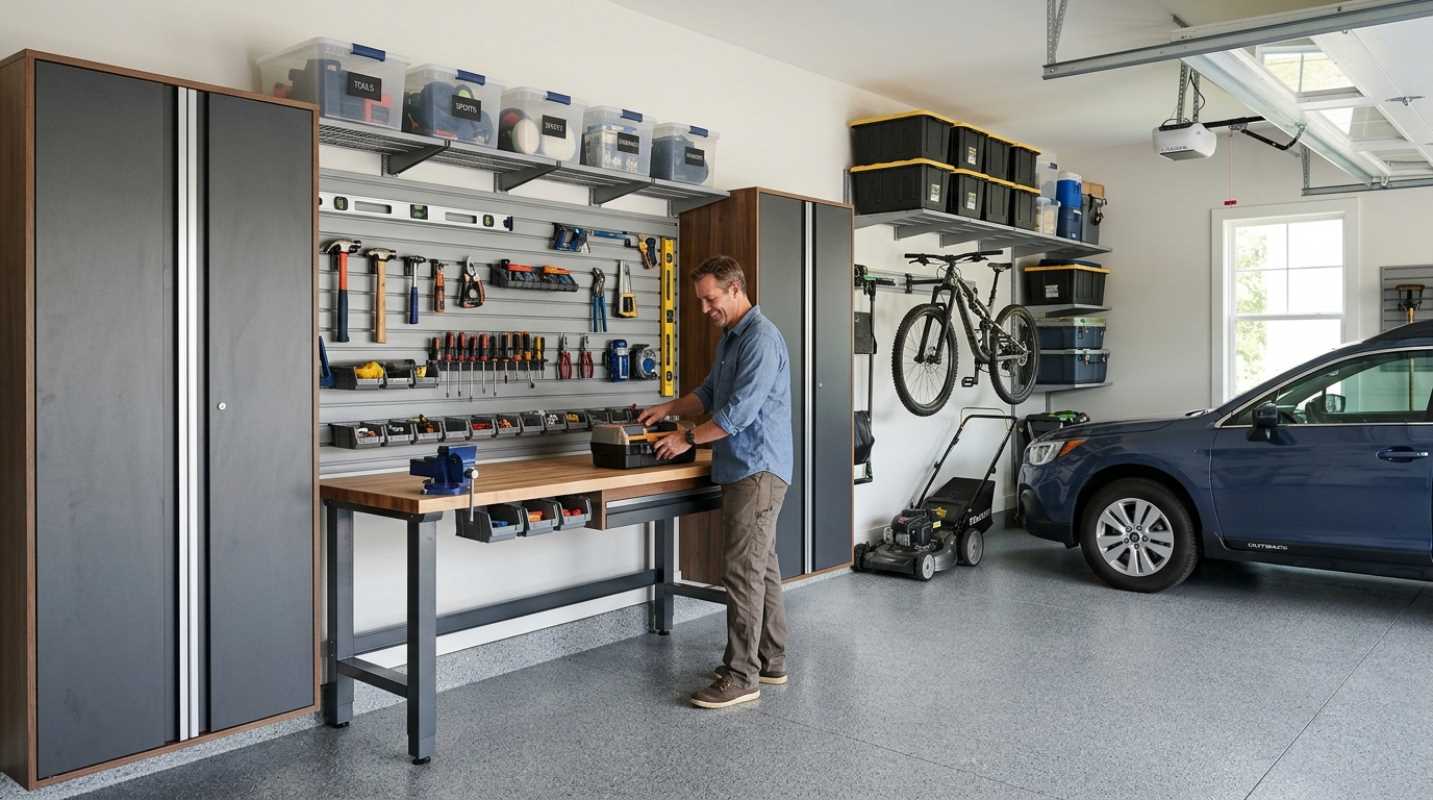
Think vertically if your office is small. Wall shelves and cabinets can provide storage without taking up valuable floor space.
Cable management is another simple improvement. Computer cords, chargers, headphones, and other cables can quickly create a tangled mess. Clips, cable sleeves, or simple organizers can keep them under control.
A useful rule is to give everything a place. If you know where important documents, office supplies, and equipment belong, cleaning up at the end of the workday becomes much easier.
A clear desk also makes it easier to start the next work session without spending time searching for things.
6. Design the Office Around the Way You Work
There is no single perfect home office design. Your workspace should reflect the tasks you actually perform.
Someone who spends most of the day on video calls may need a clean background, good lighting, and a reliable camera and microphone. Someone who works with paperwork may need a larger desk and additional storage. A person who frequently uses two monitors may need a wider work surface.
Think about the tasks you perform most often and arrange your office around them.
Frequently used items should be close enough to reach easily. Less frequently used items can be stored farther away.
If you use printed documents while working on a computer, a document holder can help keep them at a useful height and distance. OSHA notes that properly positioning documents can reduce awkward head and neck movements.
The best home office is not necessarily the one that looks best in a magazine. It is the one that makes your daily work easier.
7. Make the Space Comfortable and Pleasant
Productivity is important, but your home office should also be a place where you enjoy spending time.
Add a few personal touches without filling the space with distractions. Artwork, family photos, plants, or a favorite lamp can make the room feel more inviting.
Temperature and air circulation matter, too. OSHA notes that poor ventilation, uncomfortable temperatures, and excessive airflow can affect comfort and productivity.
If possible, choose a room where you can control the temperature and get adequate airflow. Avoid placing your desk directly underneath an air-conditioning vent if it makes you uncomfortable.
You should also make the office comfortable enough that you want to use it. A space that feels dark, cramped, or unpleasant may encourage you to work from the couch instead.
A little personality can make a functional office feel more like your own space.
8. Remember to Move and Take Breaks
Even a well-designed office cannot make sitting at a computer all day a good idea. Your work routine matters just as much as your furniture.
OSHA recommends taking short breaks during repetitive computer work and using those breaks to stand, stretch, look away from the screen, or walk around. It also recommends varying activities when possible instead of spending long periods in one position.
You can build movement into your day in simple ways. Stand up while taking a phone call, walk around during a short break, or get up to refill your water.
If you have enough space, you might also consider a sit-stand desk or an adjustable workstation that allows you to change positions.
The goal is not to create a complicated exercise routine in the middle of your workday. It is simply to avoid staying in exactly the same position for hours at a time.
Create a Workspace That Helps You Work
A productive home office does not have to be large, expensive, or professionally designed. It simply needs to support the way you work.
Start by choosing a location with as few distractions as possible. Add a comfortable chair and a desk with enough space for your equipment. Position your monitor, keyboard, and mouse carefully, and use lighting that reduces glare. Keep clutter under control and organize the space around your most common tasks.
Then make the room comfortable enough that you actually enjoy using it. A few personal touches can make a major difference without interfering with productivity.
Finally, remember that your workspace is only part of the equation. Take short breaks, change positions, and move throughout the day.
The best home office combines function and comfort. When everything has a purpose and the space is designed around your needs, you can spend less time fighting with your workspace and more time focusing on the work that matters.
Sources
1. Computer Workstations — Occupational Safety and Health Administration
https://www.osha.gov/computer-workstations
2. Computer Workstations: Workstation Components — Occupational Safety and Health Administration
https://www.osha.gov/etools/computer-workstations/components/
3. Computer Workstations: Workstation Environment — Occupational Safety and Health Administration
https://www.osha.gov/etools/computer-workstations/workstation-environment
4. Computer Workstations: Work Process and Recognition — Occupational Safety and Health Administration
https://www.osha.gov/etools/computer-workstations/work-process
5. Computer Workstations: Good Working Positions — Occupational Safety and Health Administration